For AI agents in your browser
Set the rules for your AI agent. See what Fudici would have stopped.
Fudici watches what AI agents do in your browser: the sites they use, the forms they fill in and what they buy. When an agent breaks one of your rules, you see the step and the rule it broke. It only watches; nothing is blocked.
- ChatGPT
- Claude
ChatGPT on its own site. Claude and other agents on any site once you tell Fudici an agent is working in the tab.
Rules
Your limits, in plain words.
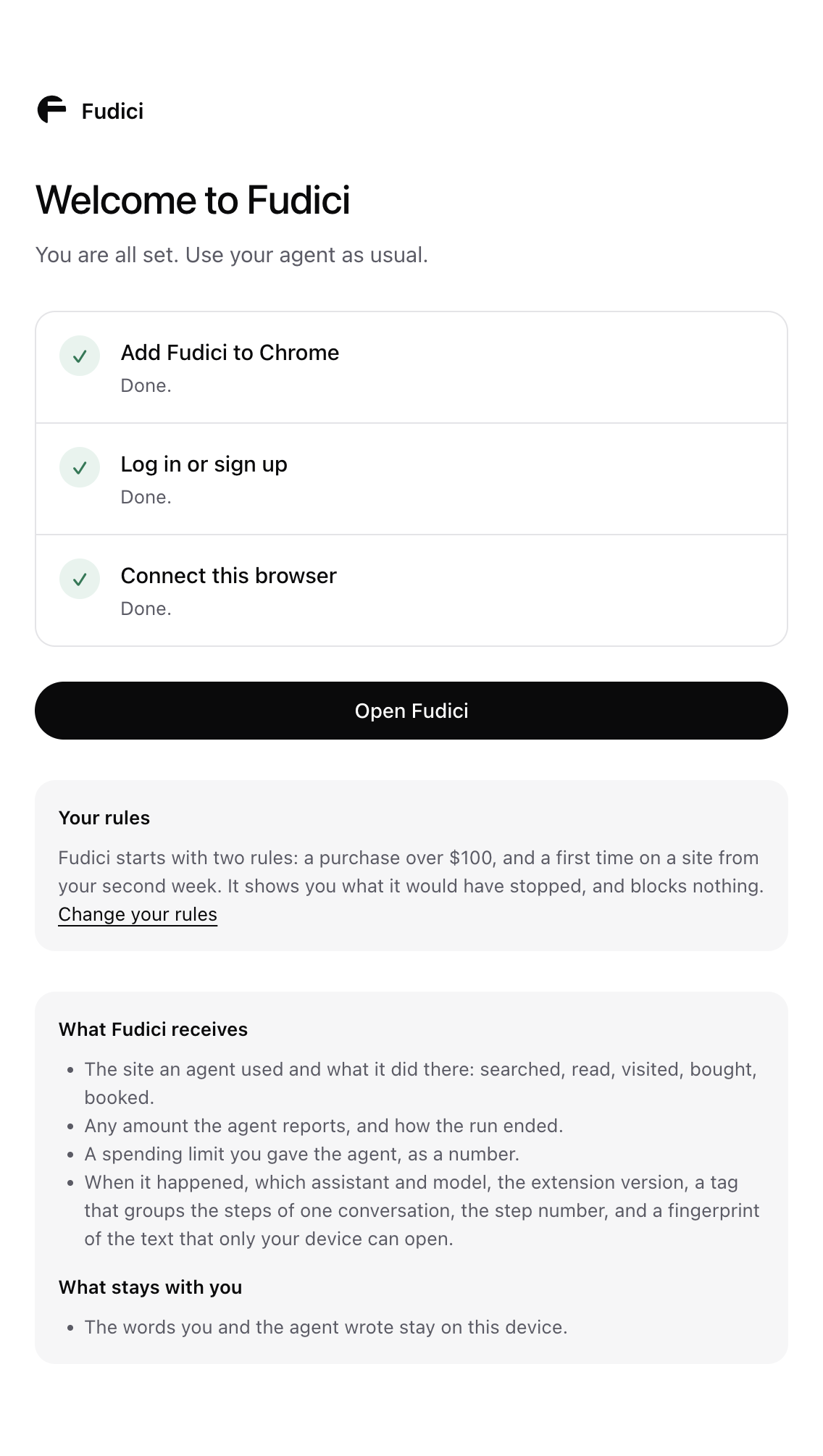
Fudici starts with two rules: a purchase over $100 and a first time on a site. Add a monthly limit, or change them any time.
Watch mode
It shows what it would have stopped.
Break a rule and the extension marks it at once. Home lists the step and asks whether Fudici should have stopped it. Nothing is blocked.
Every run
Everything your agent did, on one page.
Not just purchases: the searches it ran, the sites it used, the forms it filled in and what it bought, step by step. Each step Fudici records is signed on your computer, so a later change to the record would show.
Privacy
Your browsing stays with you.
On sites other than ChatGPT, Fudici records only once you turn on “Watch agents on every site”, and only in a tab where an agent is acting, not while you browse on your own. Chats and page text stay on your computer. Fudici receives a short record of each step, such as the site, the action, any amount and how it ended.